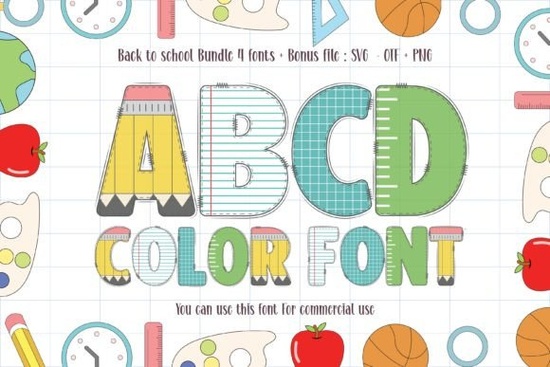
If you're looking for a friendly, eye-catching typeface to bring school-themed projects to life especially ones aimed at kids the Back to School Font fits naturally into that space. It’s not just another handwritten or script font; it’s a thick, bold color font with built-in shading and playful energy. You’ll find it works especially well for classroom signs, printable worksheets, party invitations, and even simple SVG cut files for back-to-school crafts.
What makes this font different from other school-themed fonts?
Most “school” fonts lean heavily into chalkboard styles, cursive handwriting, or rigid serif lettering. The Back to School Font stands out because it’s designed as a color font meaning each letter has layered fills and outlines that display as full-color graphics right in compatible software (like Illustrator, Affinity Designer, or newer versions of Photoshop). No manual coloring needed. That saves time when designing for t-shirts, mugs, or digital planners aimed at teachers and parents.
It’s also intentionally chunky and legible at small sizes unlike some decorative fonts that blur or lose impact below 36pt. That makes it practical for things like name tags, flashcards, or sticker sheets where clarity matters as much as charm.
Who uses this font and how?
Designers and educators often reach for it when creating themed learning materials: think alphabet posters with matching icons, behavior charts with cheerful headers, or editable Google Slides templates. Print-on-demand sellers use it on kids’ apparel (“First Day of Kindergarten!” tees), tote bags, and laminated desk plates especially during late July and early August when demand spikes.
Crafters appreciate how cleanly it cuts in Cricut Design Space or Silhouette Studio (when used as an SVG or outlined version). Since the letters are solid and well-spaced, there’s less risk of tiny details getting lost in vinyl or iron-on transfers.
Small business owners running teacher supply shops or educational subscription boxes sometimes pair it with simple line art or clipart from Creative Fabrica’s colorful fonts collection to keep branding cohesive across product labels and social posts.
Which software supports it and what should I know before using it?
The Back to School Font is delivered as both OpenType (.otf) and color font (.ttf) files. The OTF version works anywhere standard fonts do Canva, Word, older design apps but won’t show colors unless you manually fill layers. The TTF version displays full color only in apps that support OpenType-SVG or COLRv1, like Illustrator (v26.5+), Affinity apps, or recent versions of CorelDRAW.
If you’re using Canva or Cricut Design Space, you’ll get best results by uploading the SVG version (often included in the download) or converting the text to outlines first. That way, the shape and color stay intact no matter where it’s placed.
How does it compare to similar fonts on Creative Fabrica?
There are plenty of playful fonts on Creative Fabrica but few combine thickness, built-in color, and child-friendly proportions quite like this one. For example, Chalkboard Kids Font gives a hand-drawn classroom feel but lacks color layers. Rainbow ABC Font offers bright hues but leans more toward early literacy than general back-to-school use. The Back to School Font sits comfortably between those two versatile enough for bulletin boards and digital downloads, without needing extra editing.
Realistic ways to use it this season
- Create a set of editable “All About Me” student introduction pages with the font used for names and section headers
- Design a matching series of classroom job badges (Line Leader, Book Buddy, Tech Helper) using consistent colors and spacing
- Build a low-effort POD bundle: three mug designs, two tote bag layouts, and one sticker sheet all built around the same font family
- Make a printable “First Week of School” checklist for parents, with icons and bold headings that pop off the page
One thing to keep in mind: because it’s bold and colorful, it pairs best with clean, simple supporting fonts like a rounded sans-serif for body text or a light monoline script for accents. Avoid stacking it with other heavy display fonts, which can make layouts feel crowded.
Before downloading: Check your software version, confirm whether you need the SVG, OTF, or TTF file and if you plan to resell designs made with it, double-check the license terms. Most Creative Fabrica fonts allow commercial use, but always verify for your specific use case.
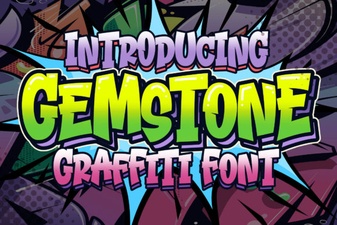 Gemstone Fonts for Elegant & Creative Designs
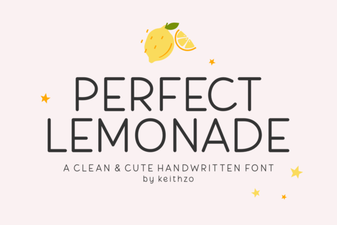 The Perfect Lemonade Font: Design & Download
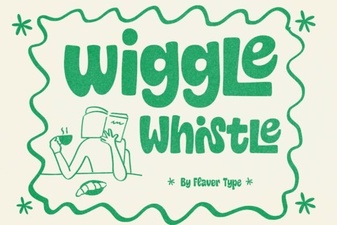 The Wiggle Whistle Font: Creative Ideas & Usability
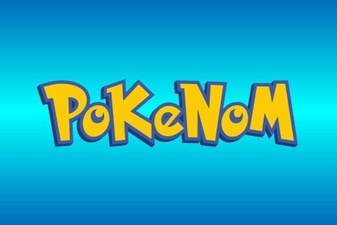 Download Pokenom Font: Creative Typography Projects
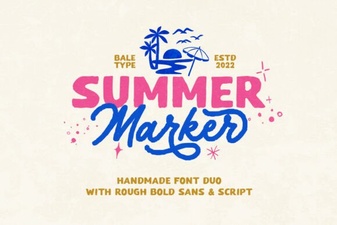 Summer Marker Fonts: Creative Project Ideas
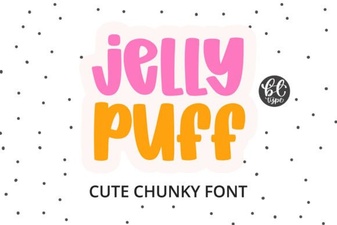 Jelly Puff Font: a Fun & Playful Design Resource